Access the console
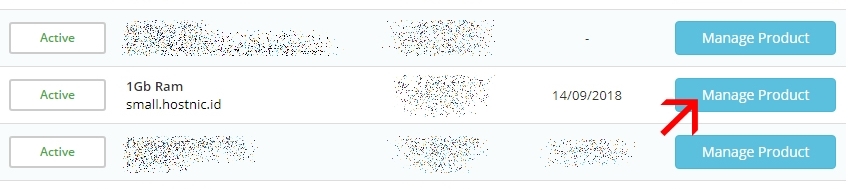
- Log in to the my.hostnic.id and click Service > My Service in the top navigation bar.
- Click on the name of your server to open the details page.
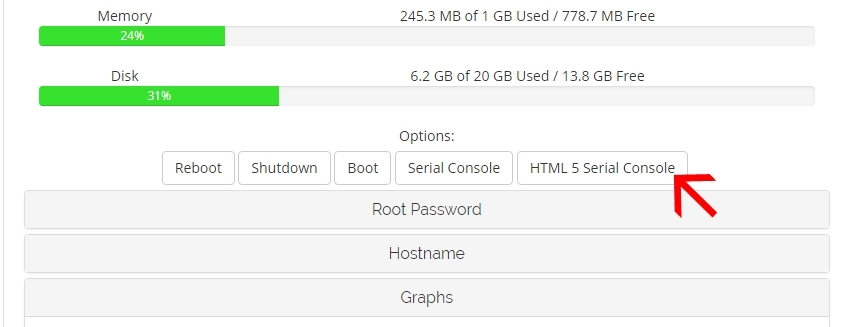
- From the Page Detail Service, select HTML5 Serial Console.
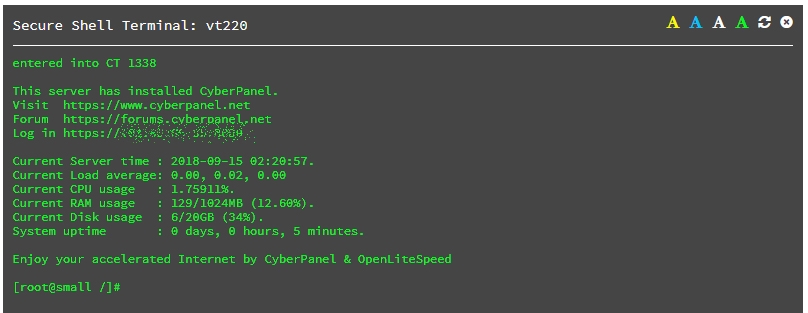
A terminal emulator window opens and displays your server’s console. If you see a blank screen, press Enter to bring up a login prompt or Windows® desktop.
- Klik Manage pada table layanan
- Pilih HTML 5 Serial Console
- Tentukan Session Akses

- Anda Sudah masuk ke root server